
diff options
| author | 0xhenrique <[email protected]> | 2025-02-19 21:28:48 +0000 |
|---|---|---|
| committer | 0xhenrique <[email protected]> | 2025-02-19 21:28:48 +0000 |
| commit | b13a5ee4004b3adc702374ed8ce0954df3cc35cc (patch) | |
| tree | 086f07e0442824f3b19a4e4c24d92c627c0e6520 /content/monogatari.md | |
| parent | a5d40f156d8e20f3bdd6d8b9760eeea0094d89af (diff) | |
remove markdown in favour of org files
Diffstat (limited to 'content/monogatari.md')
| -rw-r--r-- | content/monogatari.md | 62 |
1 files changed, 0 insertions, 62 deletions
diff --git a/content/monogatari.md b/content/monogatari.md deleted file mode 100644 index c800f07..0000000 --- a/content/monogatari.md +++ /dev/null @@ -1,62 +0,0 @@ -+++ -title = 'Monogatari - Text Editor in Python' -date = 2024-08-17T07:44:33+01:00 -tags = ['projects', 'programming', 'python', 'linux', 'windows'] -+++ - -# [MONOGATARI - Text Editor](https://github.com/henrique-marques-vsoft/monogatari) - - - -Monogatari is a text editor built with Python using the Tkinter GUI library. - -## Installation and usage - -Assuming you already have Python installed in your machine: - -``` -git clone [email protected]:all123all/monogatari.git -cd monogatari -python monogatari.py -``` - -If you're using Linux you probably will need to install tk manually: - -``` -//Arch based distros -$ sudo pacman -S tk -//For Ubuntu -$ sudo apt-get install tk -``` - -## Goals - -- [ ] Basic text editor functionalities (create file, open file, exit etc.) -- [ ] Black background and a colorpicker option to choose another color -- [ ] Test routine for the basic functionalities -- [ ] Release a package -- [ ] The close function is being called even when the file isn't modified - -## Contribute to MONOGATARI - Text Editor - -- Click the fork button on top right -- Git clone your fork -- Connect with my repo: - -``` -$ git remote add all123all git://github.com/all123all/monogatari -$ git remote -v -``` - -You are now ready to start to code! Just do as always: - -``` -$ git add . -$ git commit -m "fix: something that was fixed" -$ git push -``` - -Then you can create a pull request right here on Github. Just go to the Pull Requests tab and select `New pull request` button to do so. - -## Screenshots -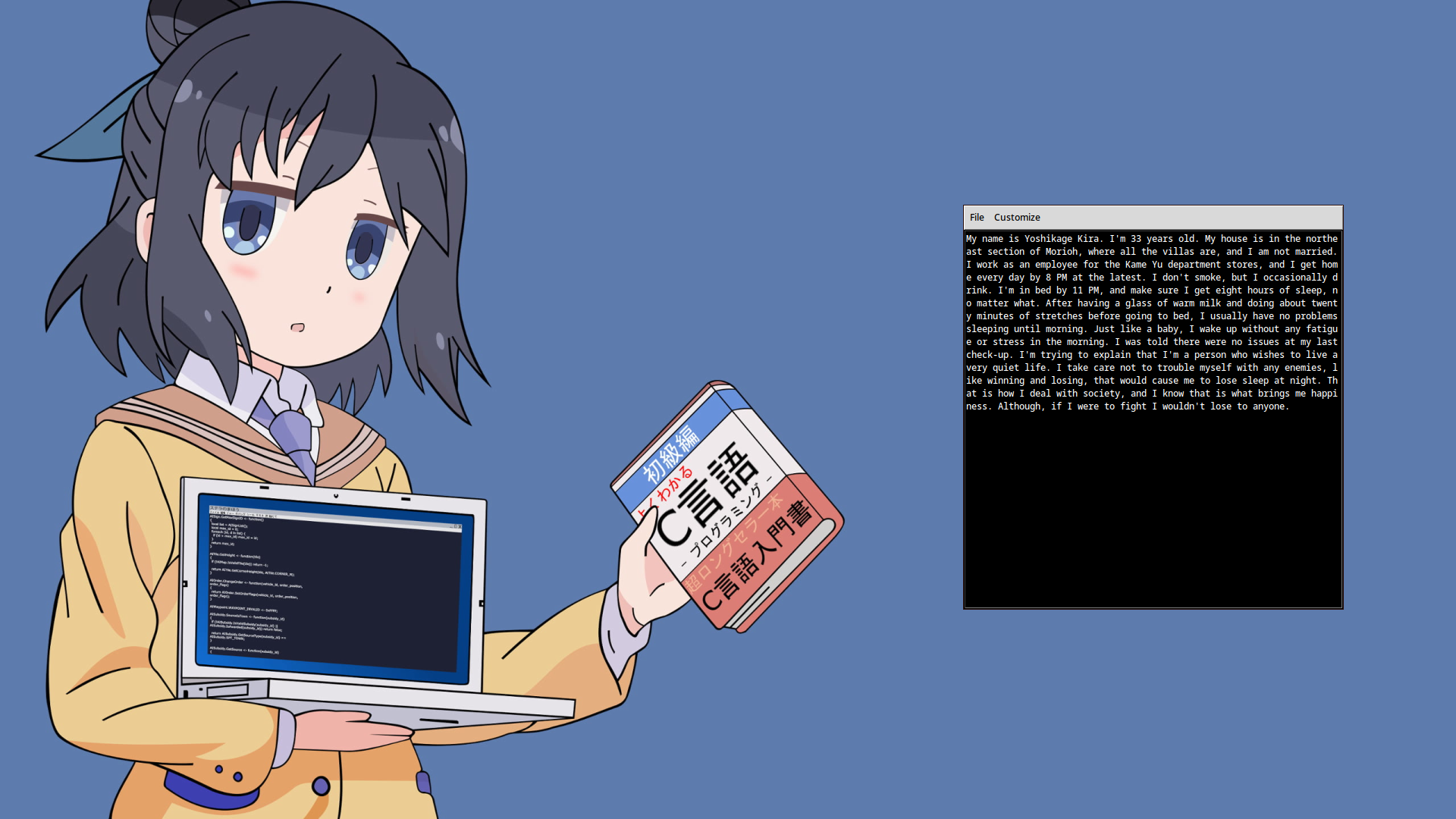 |